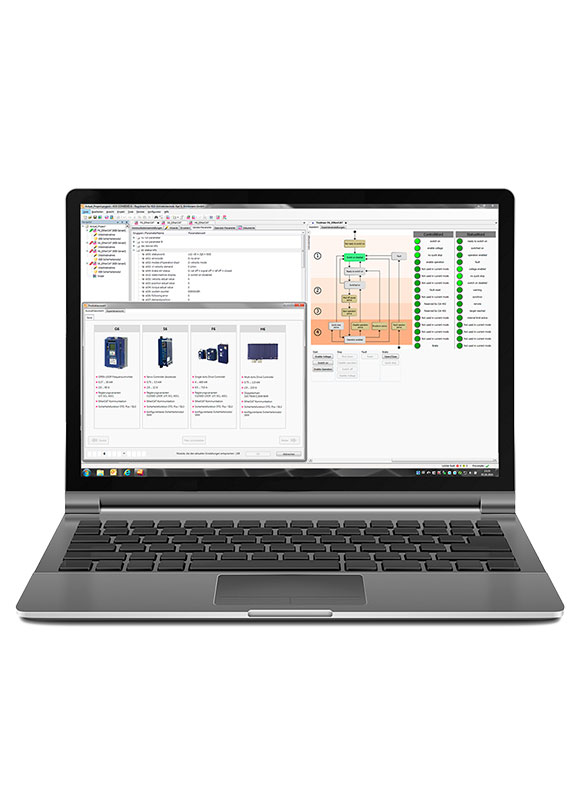
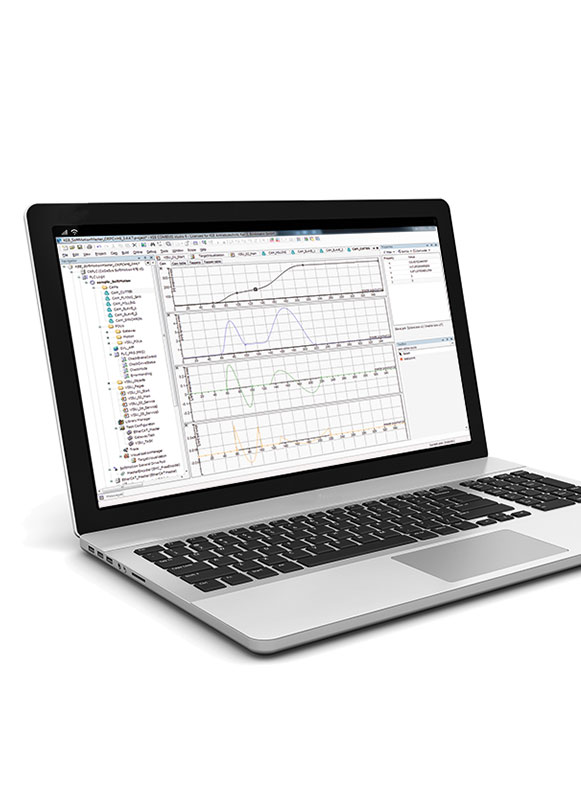
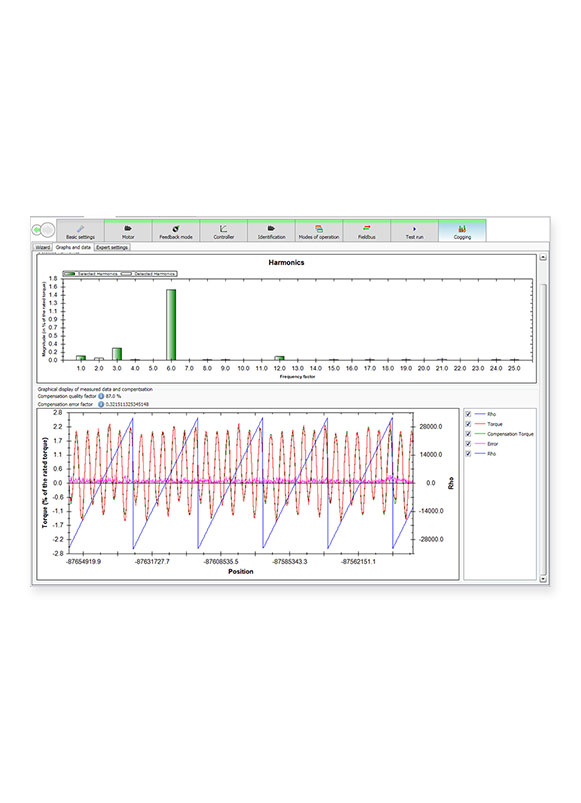
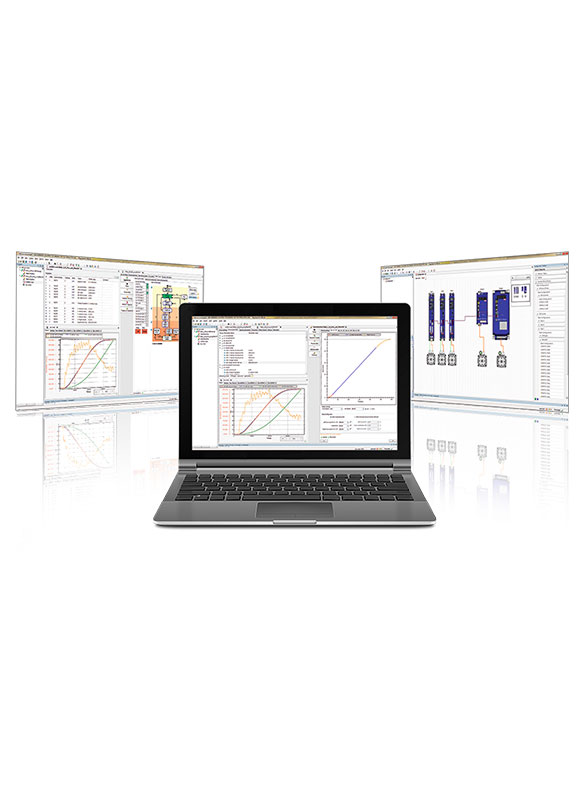
COMBIVIS 6 is KEB’s powerful free VFD commissioning software. It features a 16-channel scope traces and powerful start-up wizards that reduce engineering time.
COMBIVIS 6 - VFD Software
Product Details
Program and configure KEB VFDs with COMBIVIS 6
Find documentation and troubleshoot machine issues with its 16-channel scope function
Configuration of all device parameters
Display of physical values and monitoring of operating data.
Wizards: Easy commissioning and diagnostics with intuitive graphical user interfaces. .
Configuration and analysis of real-time fieldbus communication
Document database: Direct access to all manuals and technical documentation for all components of the KEB portfolio
Watch to see the difference between COMBIVIS 6 and COMBIVIS Studio 6
Tutorials
Part 1 - Intro to Connecting an F6/S6 Drive to COMBIVIS 6
This video demonstrates how to quickly connect an F6 or S6 drive (VFD or inverter) to KEB’s COMBIVIS 6 automation software and initiate a new project to begin programming.
Part 2 - Save Projects, Files, and Working with Parameter Lists
This COMBIVIS 6 tutorial shows how to save projects, upload parameters from a drive, and create parameter lists inside KEB’s programming software.
Part 3 - Working With Virtual Oscilloscope Functionality
This COMBIVIS 6 tutorial shows how to create and save virtual oscilloscope files inside KEB’s programming software.
Part 4 - Parameter Upload Procedure for KEB F6 and S6 Drives
This COMBIVIS 6 tutorial shows how to upload parameters from a KEB drive to a file on a computer in order to back up the parameters or share them for troubleshooting purposes.
Part 5 - Parameter Download Procedure for KEB F6 and S6 Drives
This video tutorial guides you through downloading previously saved COMBIVIS 6 parameter files to program your VFD.
Part 6 - Exploring Common Drive Functions & Wizards
Explore some of the most commonly used features, including the Wizard functionality in COMBIVIS 6, to help you quickly program your VFD.
Part 7 - Four Time-Saving Features
Accelerate your workflow with these 4 time-saving features. This video explores essential tools and functions designed to speed up your programming, troubleshooting, and commissioning.
F5 - Cables to Connect
This video will step you through the types of cables you can use to connect a KEB device to COMBIVIS 6 software.
F5 - Connecting a device to a New Project
This video shows how to connect a KEB F5 VFD, inverter or other device to Combivis 6 automation software.
F5 - Navigation and Editing Parameter Values
See how to navigate Combivis 6 automation software after connecting to a KEB F5 device and how to set parameters with the inverter or keypad operator. This video uses a KEB F5 VFD, but the steps also apply to other devices.
F5 - Saving Projects and Parameter Lists
This Combivis 6 automation software tutorial shows how to save projects and create parameter lists.
F5 - Setting Up and Saving Online Scopes
This video shows you how to create and save online scopes in KEB’s Combivis 6 automation software. This is part of a video tutorial series from KEB America designed educate users on the basics of Combivis 6.
F5 - How to Download Parameters to KEB device
Using KEB Combivis 6 software you can program a VFD from a saved file on your computer. Before you download parameters to the drive make sure the drive is disabled and there are no active inputs. Find the previously saved parameter list and go through the steps to download it to the drive. If the parameter download is successful and there are no errors you can proceed to enable the drive and use the system as designed.
F5 - How to Upload Parameters from a KEB Device to COMBIVIS 6
This is how to save parameters from a KEB device to a file on your computer. Using KEB Combivis 6 software you can upload a VFD parameter list to your computer.
Ethernet/IP Setup Guide: Allen Bradley PLC and KEB Drive
This guide is the first in a 3 part series which aims to assist you in setting up Ethernet/IP communication between a KEB variable frequency drive and a Rockwell Automation PLC. Read the blog tutorial
Setup Guide: Implicit and Explicit Messaging for Allen Bradley PLCs and KEB Drives
This guide is the second in a 3 part series where you will learn how to set up implicit and explicit messaging to enable communication between a Allen Bradley PLC and KEB drive using Logix 5000 software. Read the Setup Guide
Intro to CiA 402 Drive Profile and Logix 5000
This article is part 3 of a series to program an Allen Bradley PLC in Studio 5000 software to control a KEB S6/F6 Drive focused on the CiA 402 protocol. Read the Setup Guide
Setting up PROFINET between KEB drives and Siemens PLCs
This guide provides step-by-step instructions for setting up Profinet communication between a KEB S6 drive and a Siemens PLC. Read the Setup Guide
Setting up CiA 402 Profile on TIA Portal for KEB Drives and Siemens PLC
This is a step-by-step guide on programming a Siemens PLC using TIA Portal software to establish communication with a KEB S6/F6 Drive. It builds upon two previous communication setup tutorials:
– Comprehensive Guide to CiA 402 and
– PROFINET Communication Setup with a KEB Drive
Modbus TCP Setup Guide for KEB S6/F6 Drives
Learn how to setup KEB S6/F6 drives with the Modbus TCP protocol. Configure the drives and map data using COMBIVIS 6, and then program a PLC using the virtual CODESYS Soft PLC within COMBIVIS Studio 6. Read the Setup Guide
Beckhoff TwinSAFE Setup for KEB Drives with TwinCAT
This Beckhoff TwinSAFE setup guide will show you how to configure a safety PLC program using TwinCAT software and establish Fail-Safe over EtherCAT (FSoE) communication with a KEB S6A drive. Read the Setup Guide
COMBIVIS 6 Features
• Configuration of all device parameters
• Display of physical measurements and monitoring of operating data
• Wizards: easy start-up and diagnosis with the help of intuitive graphical user interfaces
• Configuration and analysis of real-time fieldbus communication
• Document database
• Scope: multi-channel digital oscilloscope for recording and displaying measured variables
• Drive software center for COMBIVERT S6 and F6 drive controller firmware updates